ZSH/OMZ/PK10
Here is a simple guild that I use to setup zsh in KDE Neon
Here is a simple guild that I use to setup zsh in KDE Neon
- Install zsh in KDE using an apt package manager.
sudo apt install zsh- The package manager will install the latest release of zsh.
zsh --version
zsh 5.8 (x86_64-ubuntu-linux-gnu)- We can also check with
cat /etc/shells, to see if zsh in available on the valid login shells. If zsh has been setup,/usr/bin/zshwill exist in the list of valid login shells. - Set zsh as default shell
chsh -s /usr/bin/zsh- Log out and then login again to your terminal to use the new zsh shell.
echo $SHELL
/usr/bin/zsh- Install oh my zsh using curl.
sh -c "$(curl -fsSL https://raw.githubusercontent.com/ohmyzsh/ohmyzsh/master/tools/install.sh)"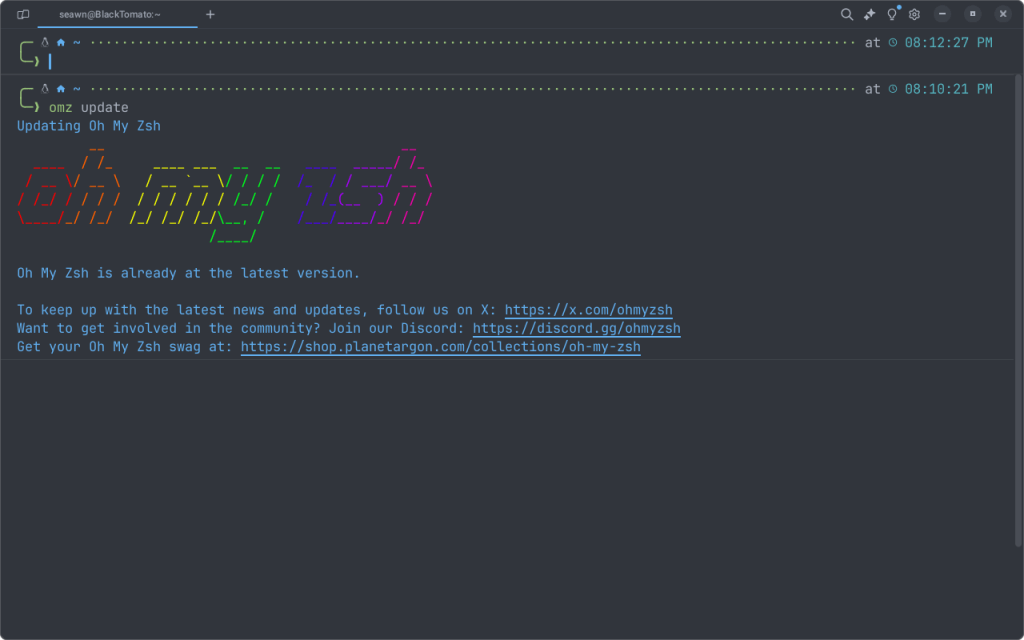
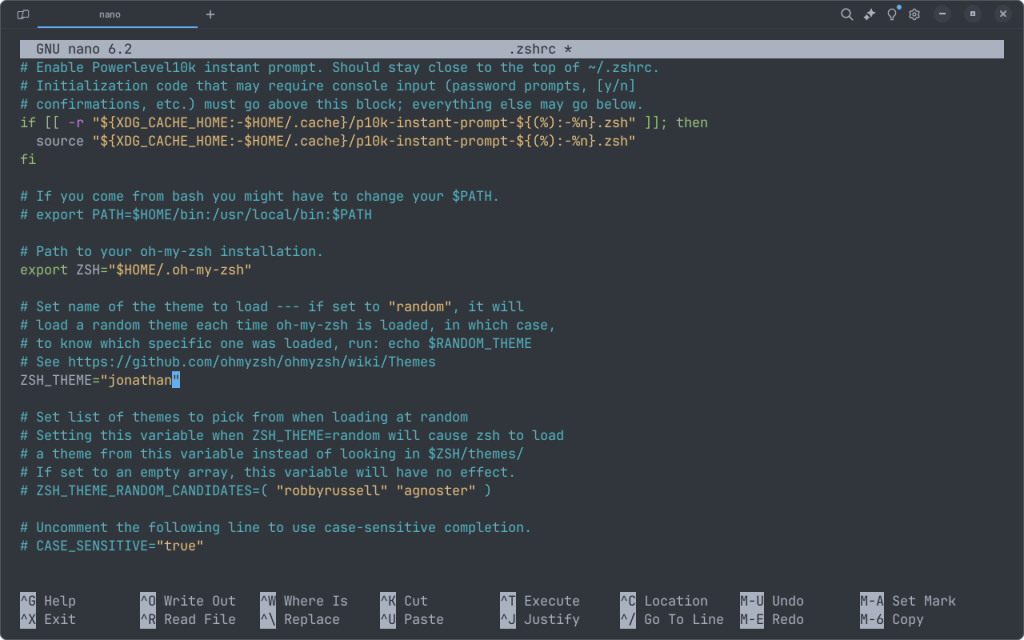
- You can keep the shell the way that you see it or use the jonathan zsh theme, it’s one of the default themes to choose from.
To change themes edit the ~/.zshrc file, edit this following line.
ZSH_THEME="jonathan"Save the file, and then restart the terminal to see the changes that were made.
The powerline may look broken but don’t worry. What we need to do is install some nerd fonts. If you want to use the powerline font run this command in the terminal. You can use any nerd font of your choice I use Jetbrains Nerd Font.
sudo apt-get install fonts-powerlineNow open a new terminal and it should look better.
-
Install powerlevel10k for Oh my zsh
Run this following command :
git clone --depth=1 https://github.com/romkatv/powerlevel10k.git ${ZSH_CUSTOM:-$HOME/.oh-my-zsh/custom}/themes/powerlevel10kNow, edit the ZSH_THEME in ~/.zshrc file into :
ZSH_THEME="powerlevel10k/powerlevel10k"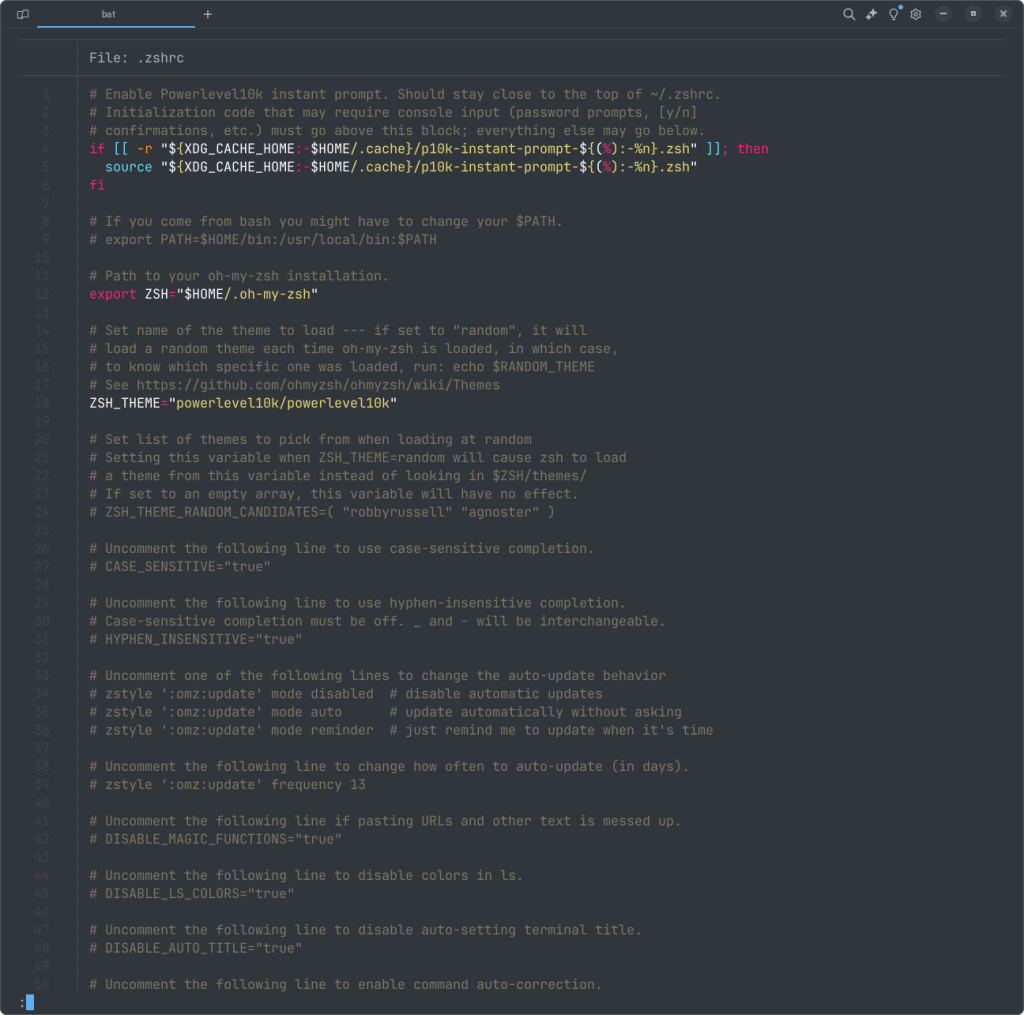
Open a new terminal, and you should see the powerlevel10k theme has applied. If the p10k configuration wizard does not start automatically, you can run the configuration wizard the powerlevel10k theme with this command :
p10k configure“
After you run the command above, p10k will prompt some questions, and you can choose the answer based on your personal preferences. Here’s the final look of my zsh :