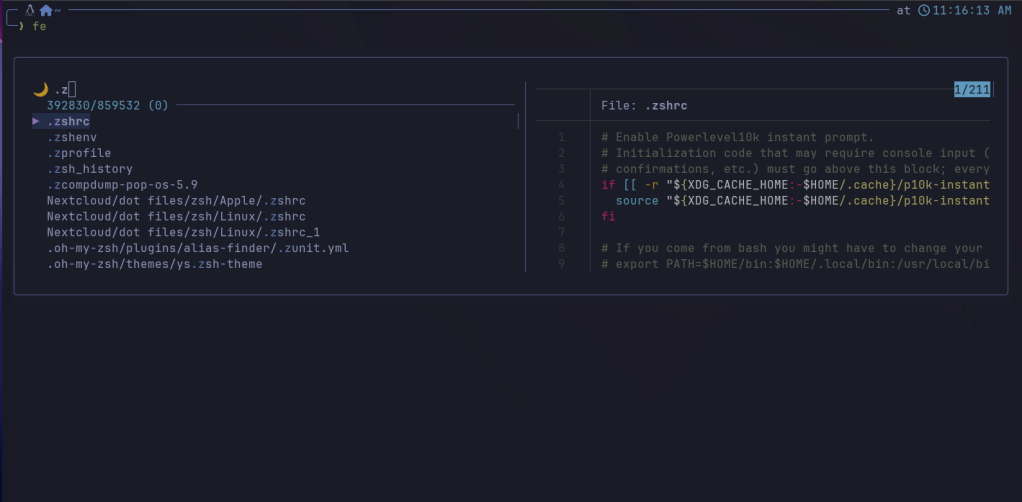
My Most Used Terminal Apps (Mac & Linux)
These are my most frequently used terminal applications. While I have others, these are the ones I use daily.
-
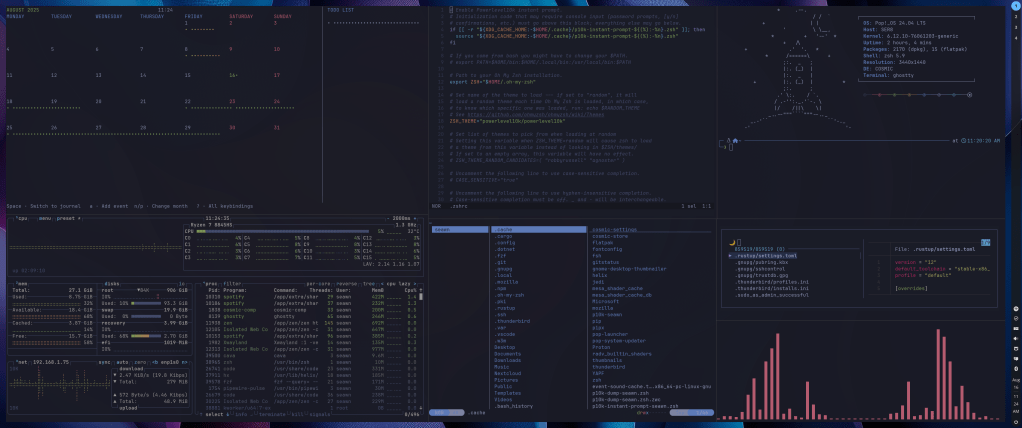
Helix : A modal text editor inspired by Vim, focused on speed and simplicity. It uses keyboard shortcuts for navigation and editing. Configuration is done via a
config.tomlfile, usually located in~/.config/helix/. You can customize themes, key bindings, and language servers. -
Installation:
- Linux: sudo apt install helix (Debian/Ubuntu) or use your distro’s package manager.
- Mac:
brew install helix
-
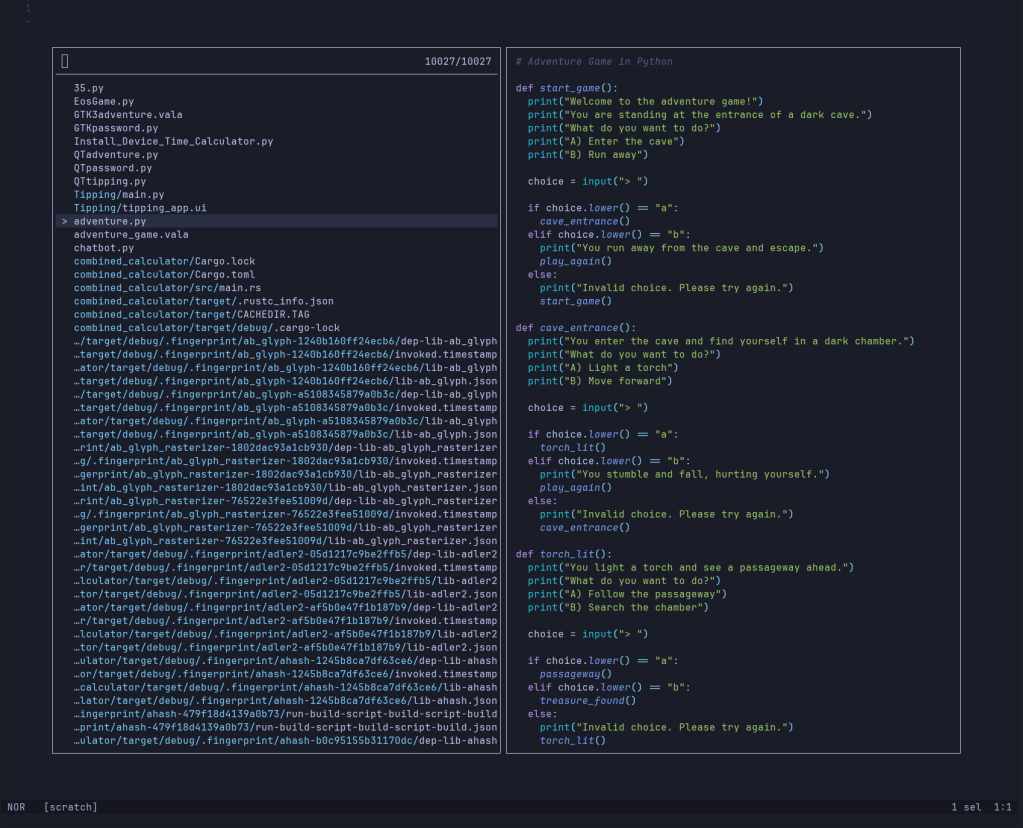
Calcure : A terminal calendar and task manager supporting CalDAV. Launch with
calcurein the terminal. Configuration is handled in~/.config/calcure/config.toml, where you can set calendar sources, colors, and key bindings. -
Installation:
- Linux:
pipx install calcureor build from source if not available in your package manager. - Mac:
pipx install calcure
- Linux:
-
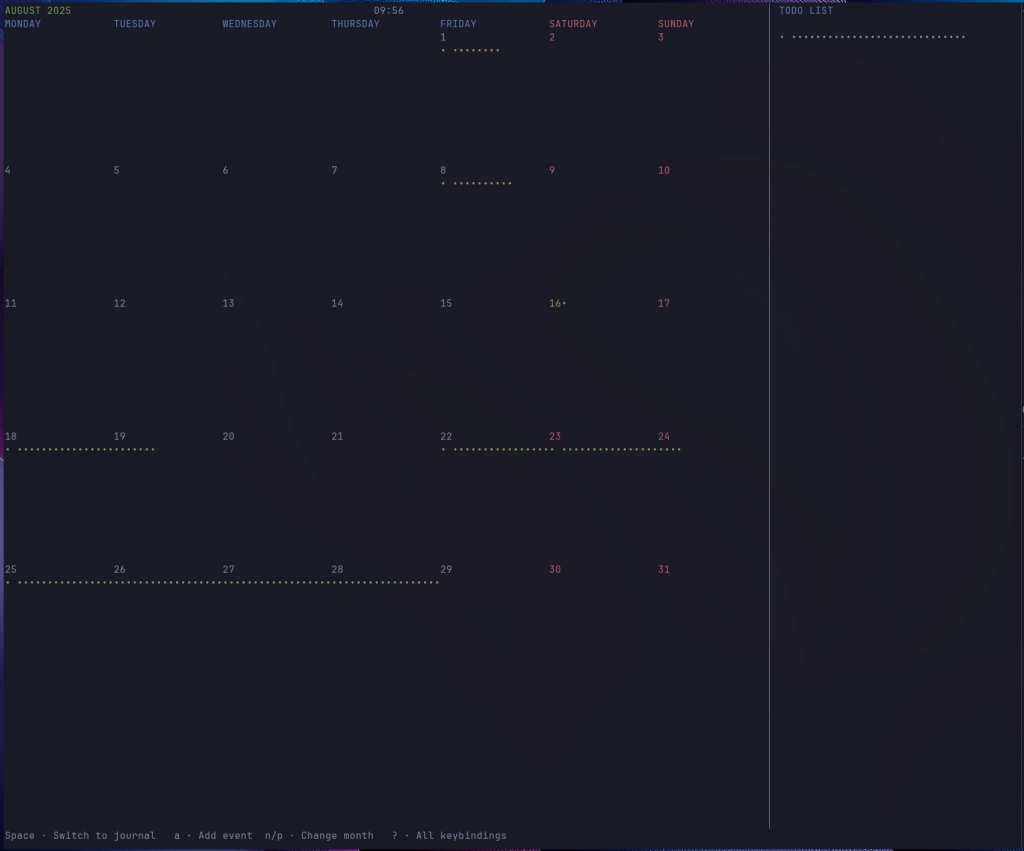
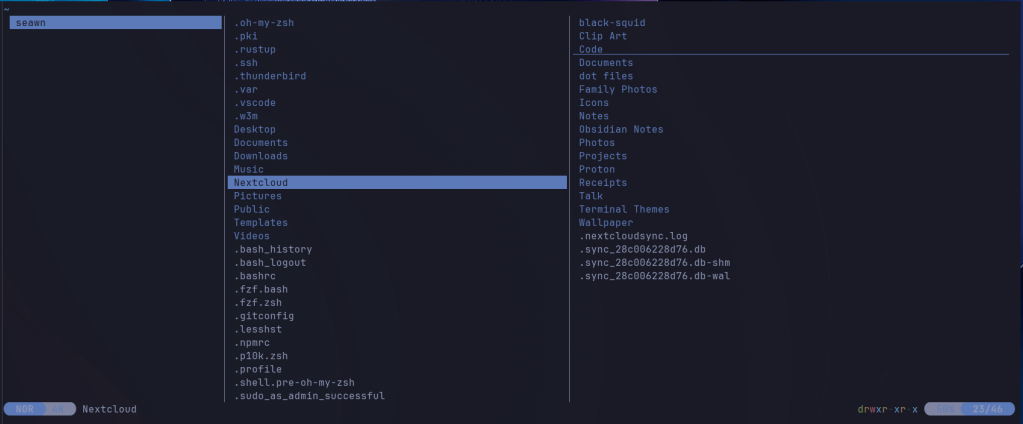
yazi: A fast terminal file manager with Vim-like key bindings. Start with yazi. Configuration is in ~/.config/yazi/, where you can set up themes, key mappings, and preview options.
-
Installation:
- Linux: c
url -sS https://webinstall.dev/yazi| bash or use your distro’s package manager if available. - Mac: brew install yazi
- Linux: c
-
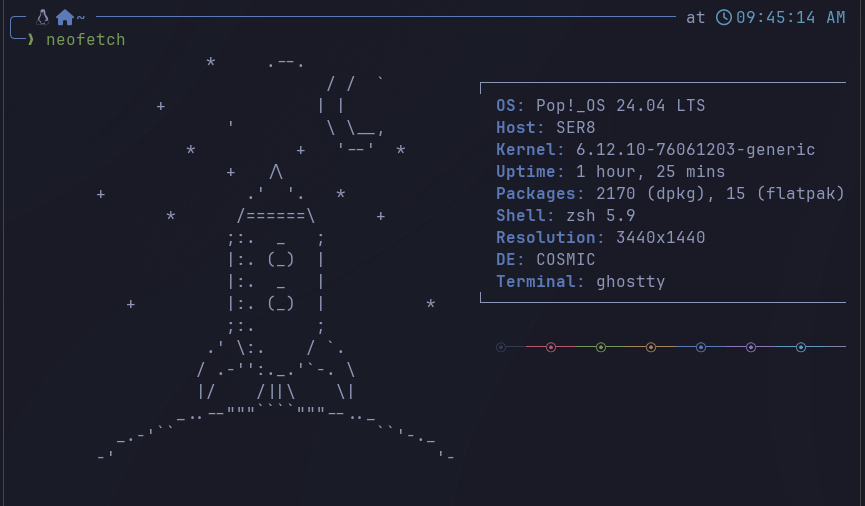
neofetch: Displays system information with ASCII art. Run neofetch in the terminal. Configuration is in ~/.config/neofetch/config.conf, allowing you to customize what info is shown and the ASCII logo.
-
Installation:
- Linux: sudo apt install neofetch (Debian/Ubuntu) or use your distro’s package manager.
- Mac: brew install neofetch
-
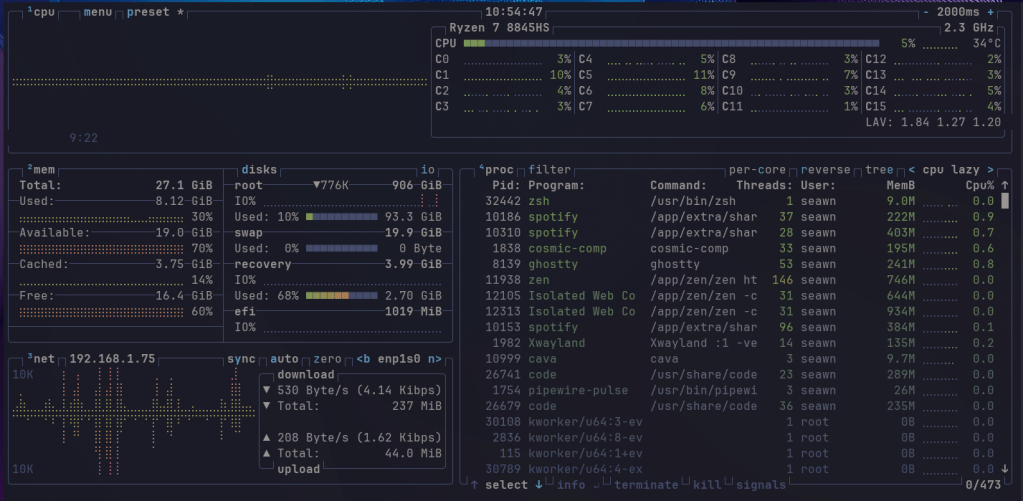
btop: An interactive resource monitor showing CPU, memory, disk, and network usage. Start with btop. Configuration is in ~/.config/btop/btop.conf, where you can adjust update intervals, color themes, and displayed modules.
-
Installation:
- Linux: sudo apt install btop (Debian/Ubuntu) or use your distro’s package manager.
- Mac: brew install btop
-
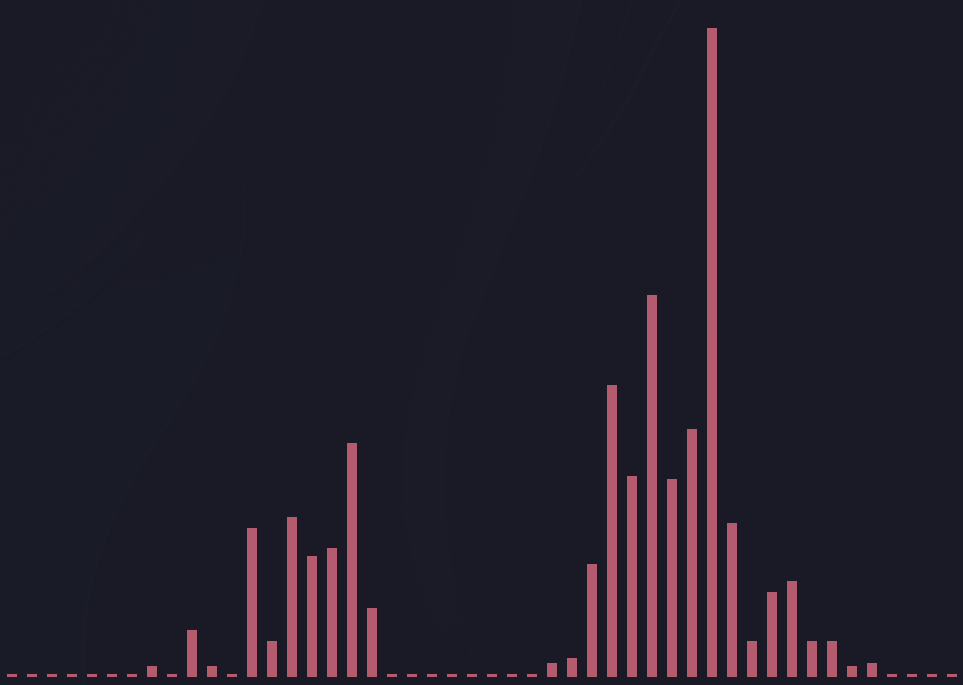
cava: A real-time audio spectrum visualizer for the terminal. It reads audio data from PulseAudio, ALSA, or FIFO. Configure it via ~/.config/cava/config to change colors, bar count, and audio source.
-
Installation:
- Linux: sudo apt install cava (Debian/Ubuntu) or use your distro’s package manager.
- Mac: brew install cava
-
fzf: A fast, command-line fuzzy finder that helps you search and filter files, command history, processes, and more. It integrates with many shell environments and can be customized for various workflows.
-
Installation:
- Linux: sudo apt install fzf (Debian/Ubuntu) or use your distro’s package manager.
- Mac: brew install fzf