Ghostty
My new go-to terminal for Mac OS and Linux. After using Warp terminal faithfully for a while, I've switched allegiances. While I'll miss Warp's AI-powered feature, which helped me recall obscure commands on demand, its convenience…
My new go-to terminal for Mac OS and Linux. After using Warp terminal faithfully for a while, I’ve switched allegiances. While I’ll miss Warp’s AI-powered feature, which helped me recall obscure commands on demand, its convenience wasn’t enough to keep me. But that alone could not get me to stay. Ghostty has won me over.
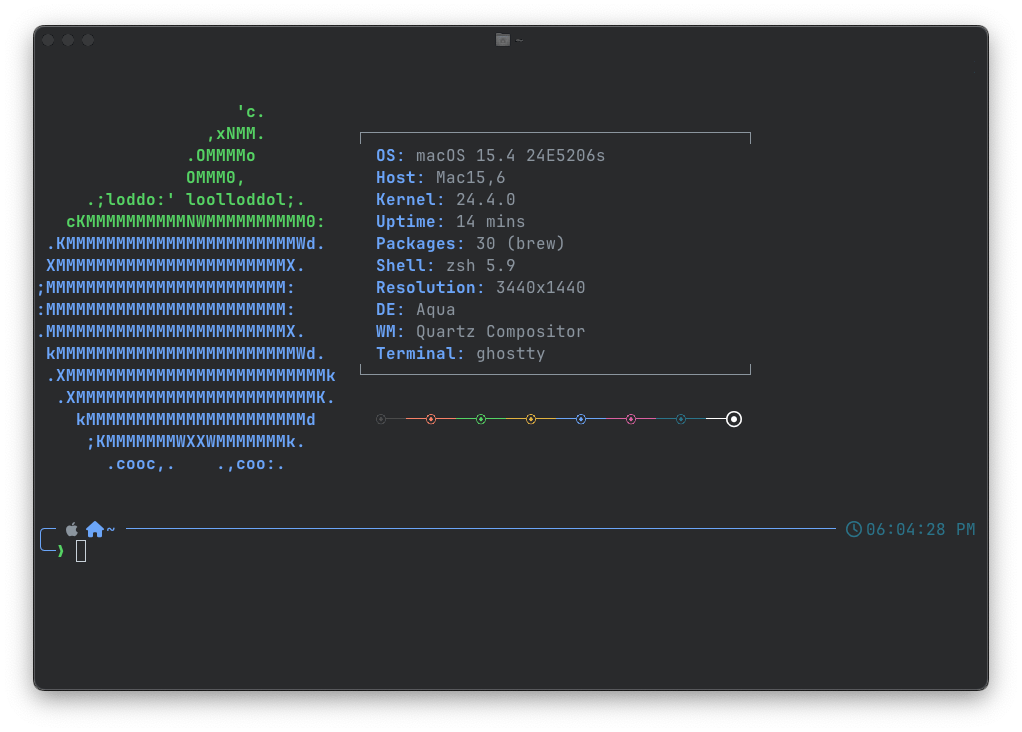
Ghostty has a Zero Configuration Philosophy
Ghostty is designed to work out of the box with no configuration for most users. Ghostty has sensible defaults, embeds a default font (JetBrains Mono), has built-in nerd fonts, and more. We are constantly challenging ourself as a project to eliminate any necessary configuration to use Ghostty.
To that end, if you find yourself needing to configure something other than highly subjective things like the theme and you think it should be a default, please open a discussion.
And, if you’re used to feeling you need to configure your terminal, maybe give Ghostty a try without any configuration first. You might be surprised!
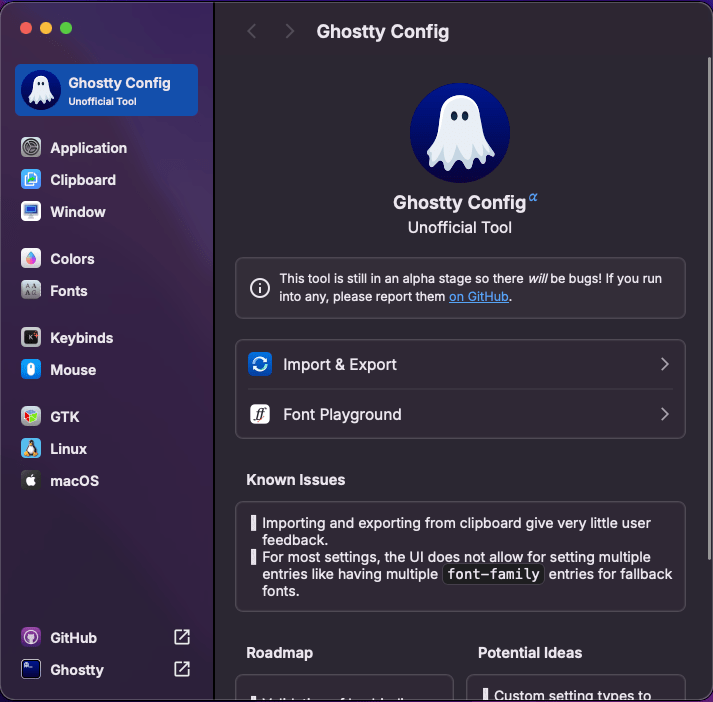
For those looking to customize Ghostty, I highly recommend checking out Ghostty Config, a fantastic web-based tool. This intuitive tool allows you to tailor Ghostty to your preferences and then exports the configuration file.
This tool is still early in development so you should expect bugs.